> ## Documentation Index
> Fetch the complete documentation index at: https://docs.bsy.sh/llms.txt
> Use this file to discover all available pages before exploring further.
# Introduction
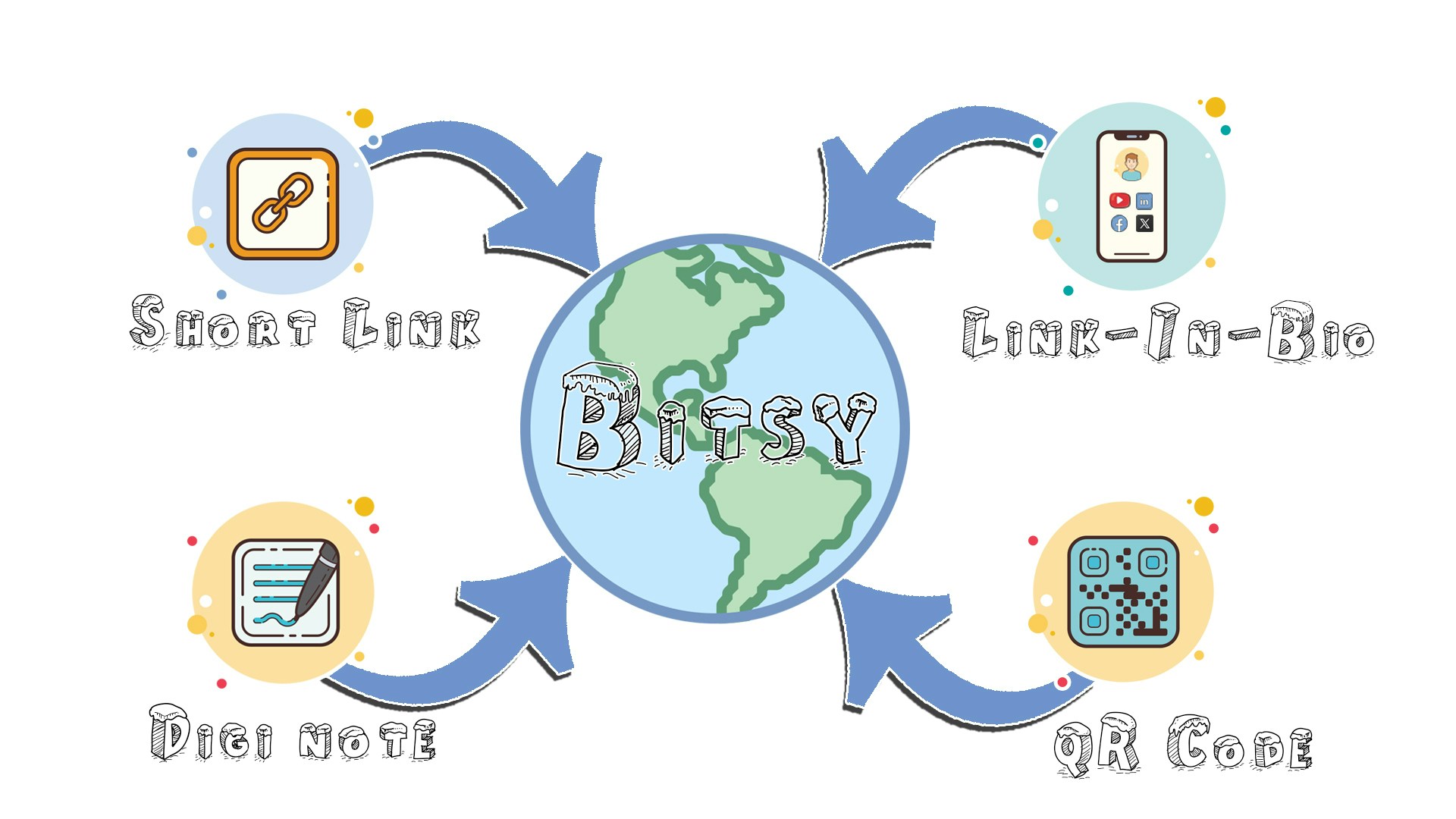
> Bitsy is the All-In-One platform to create and manage Bitsy Links (Short Links), Link-in-Bio pages, Digi Notes, and QR Codes. Driving results, one click at a time.
 ## Getting Started
To get started with Bitsy, you can do any of the following:
Learn how to use Bitsy's API to create and manage your Bitsy Links
programmatically
Learn how to integrate Bitsy with your favorite tools
## Getting Started
To get started with Bitsy, you can do any of the following:
Learn how to use Bitsy's API to create and manage your Bitsy Links
programmatically
Learn how to integrate Bitsy with your favorite tools